
 Translate


Please be aware that the print screens are not from your Account Portal but the steps are the same.
Please note prices from the screenshots are not the current prices and should not be taken as a price offer.
Pricing is subject to change anytime. For updated prices please check out our pricing page: https://www.trados.com/pricing/freelance-translators/
To ensure everything is set up correctly, please follow the steps below:
- Visit https://www.trados.com/pricing/freelance-translators/ and choose your desired subscription plan.
Please note: Trados Freelance also ensures your access to the cloud version at this link: https://eu.cloud.trados.com/ - Click on your selected subscription plan and fill out the form.
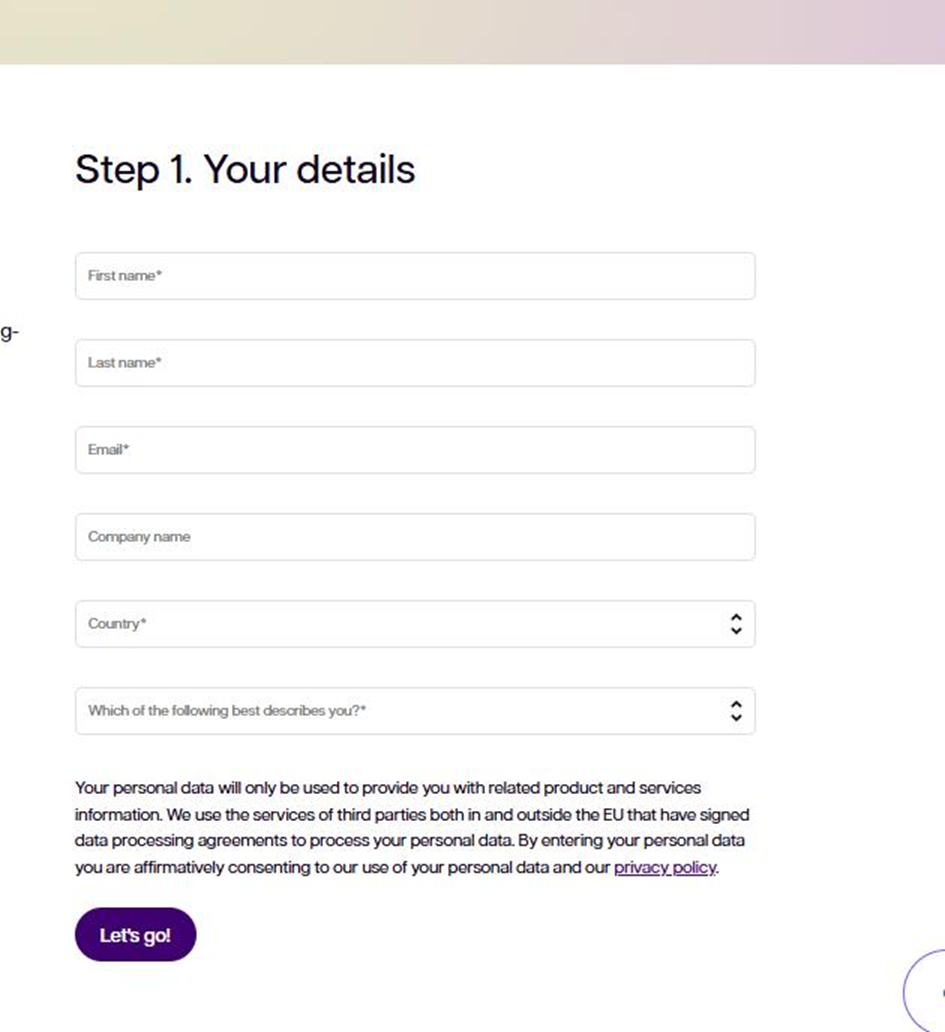
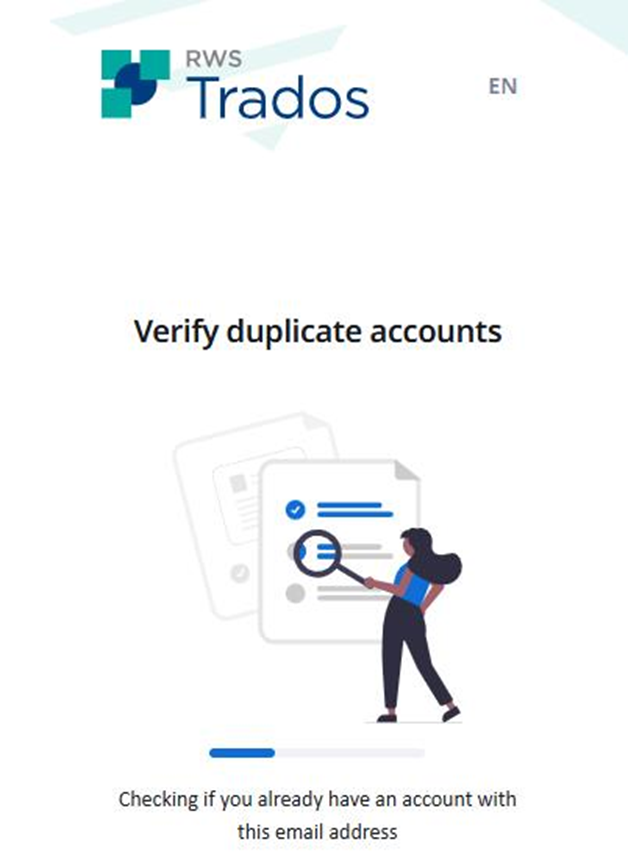
- Your email address will be verified for any duplicates. If you ever have/had an annual subscription bought before May 2025, please either contact us for a renewal or register using a different e-mail address.
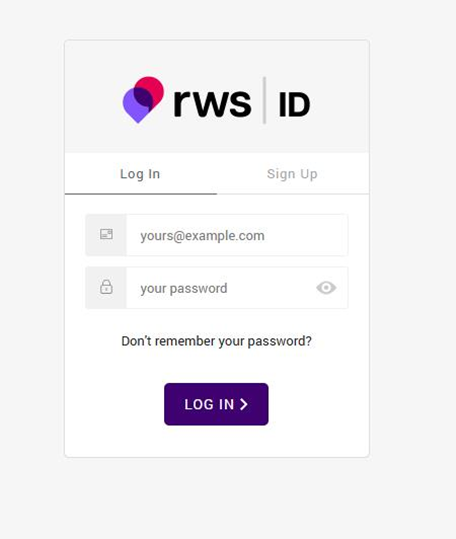
4. Log in using your email address and password.
5. You’ll then be redirected to the Trados Subscription page where you can confirm your subscription plan.
Click Continue. In the next step, you can optionally add Support & Maintenance. When ready, click Continue again.

On the checkout page, enter all the required details. If you have a coupon code, apply it here, please make sure to fill in all fields marked with an asterisk (*).
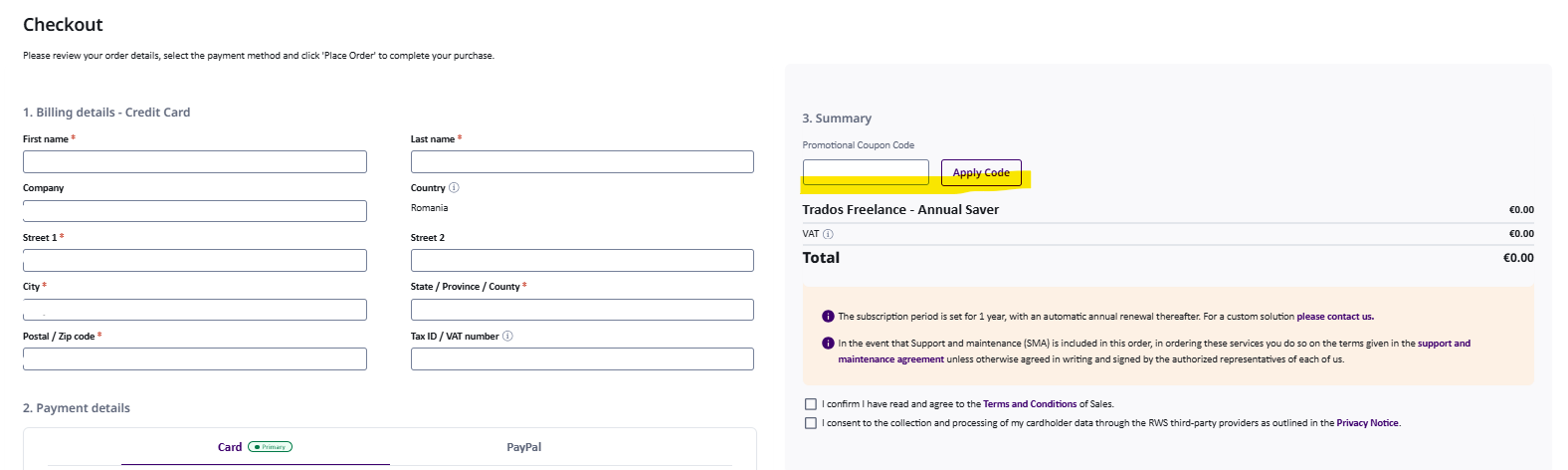
Be sure to check both consent boxes before clicking Start My Subscription.
- Once complete, click Start my subscription.
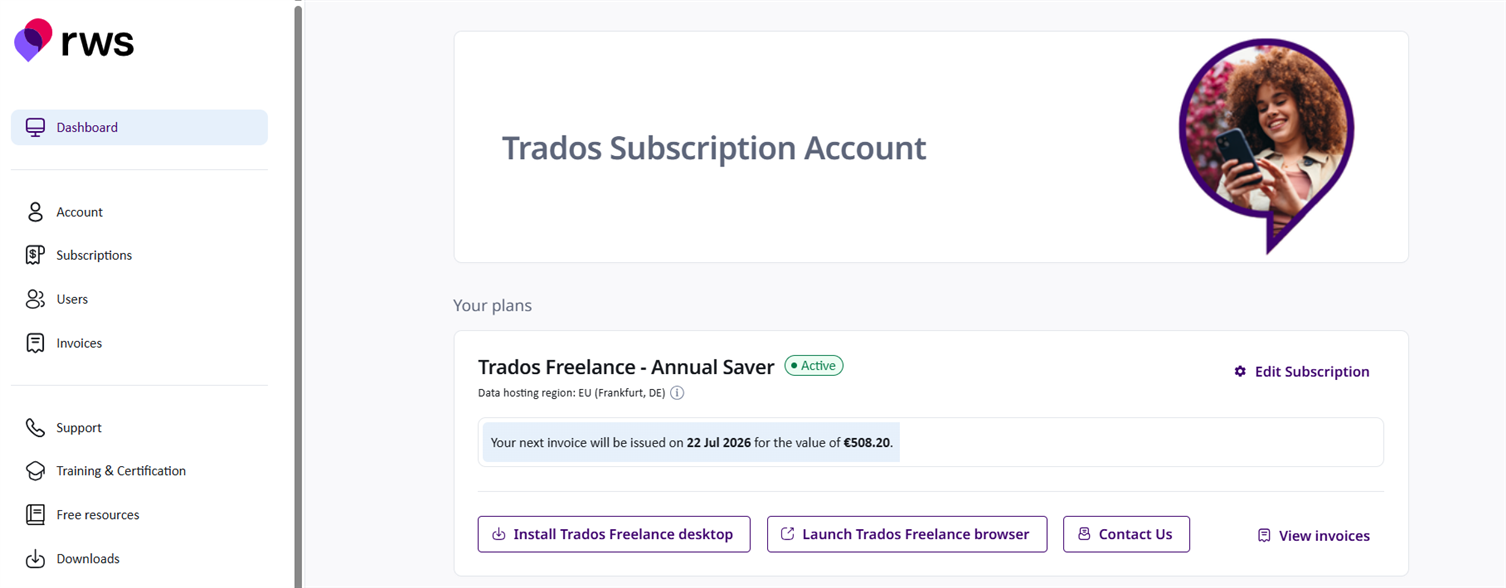
After your payment details are verified and everything is in order, you will gain access to your Subscription Account with all relevant details.
If you have any questions or encounter any issues along the way, please don’t hesitate to reach out.
For technical issues or questions, please post in the RWS Community Trados Cloud offerings or visit us in chat https://www.trados.com/contact-us/ (the bottom right button). The chat is available Monday through Friday, from 08:00 AM to 00:00 CET (excluding public holidays).