
 Translate


Upon starting Trados for the first time, you are going to see the following activation options:
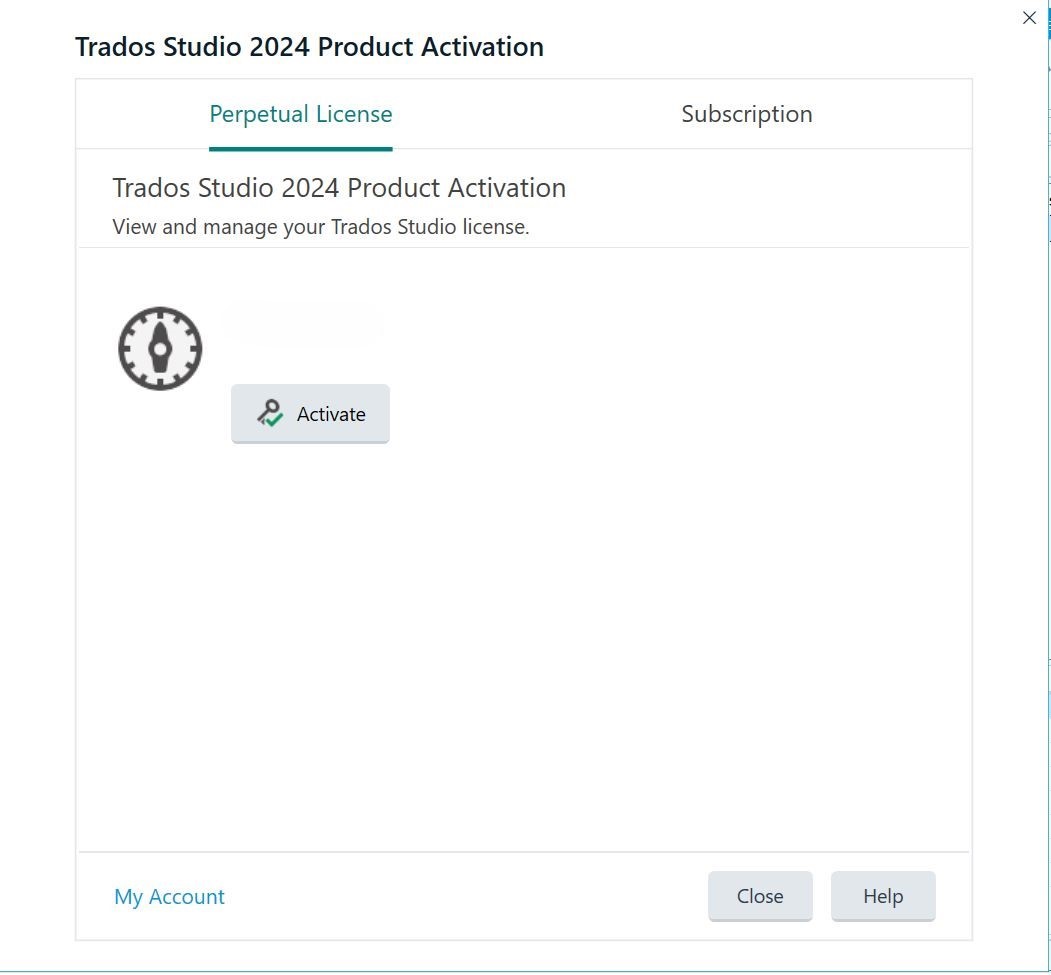
There is no activation code for the subscription. Please click on Subscription tab. You will be asked to log in using your RWS Account.
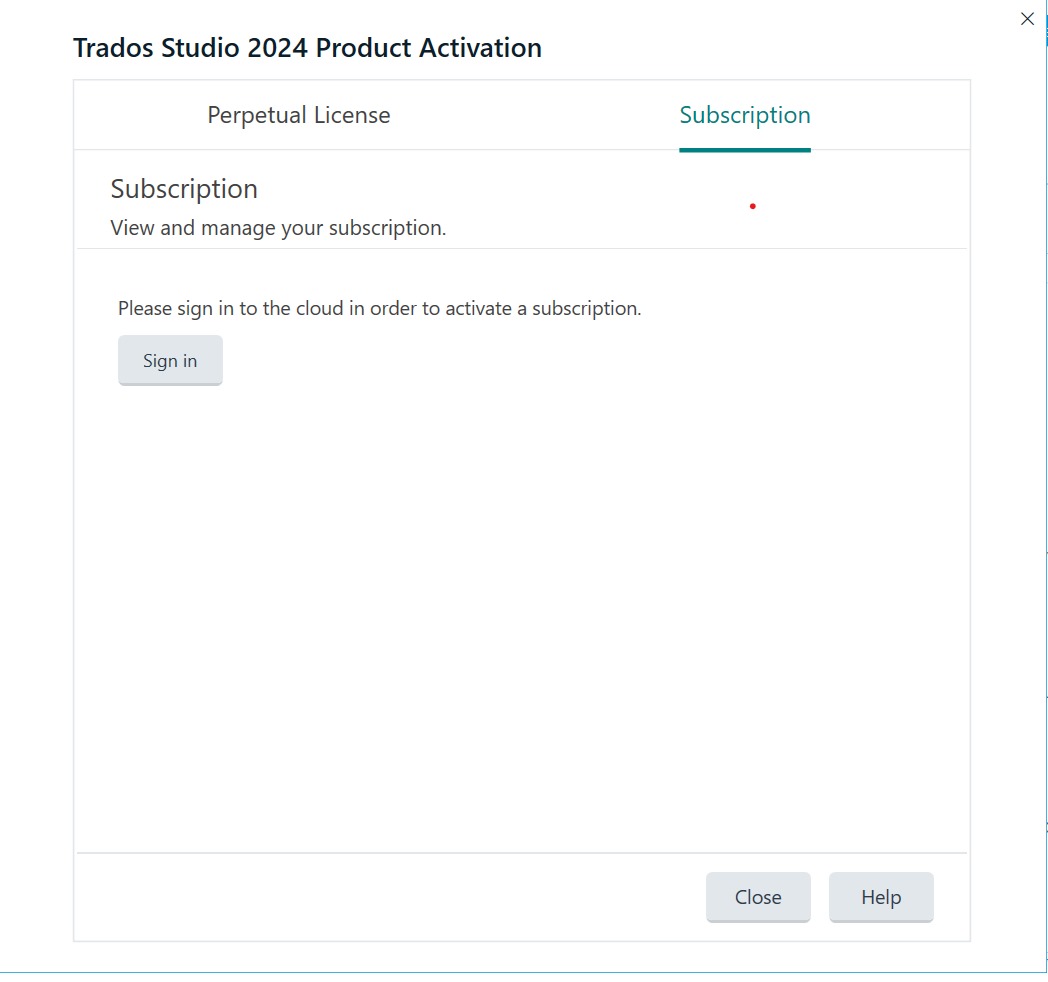
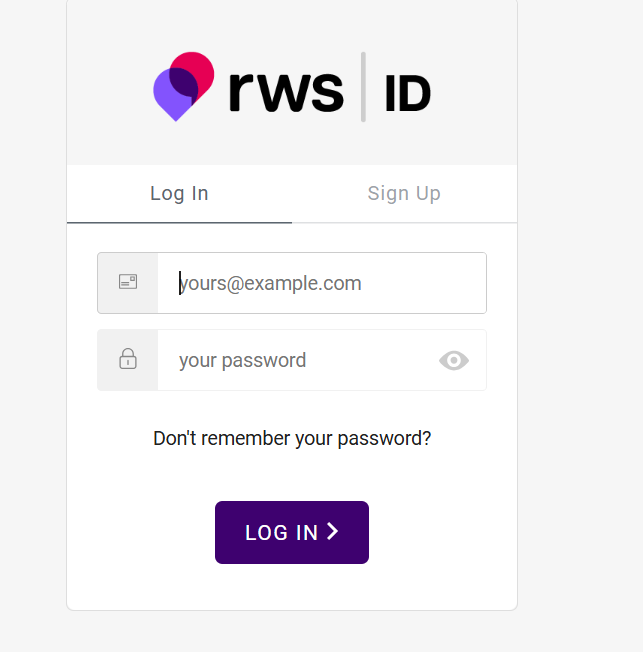
Please click Sign in and log in using your RWS Account Portal credentials.
After logging in, you will have the possibility to select an account. Select your account, then click OK.
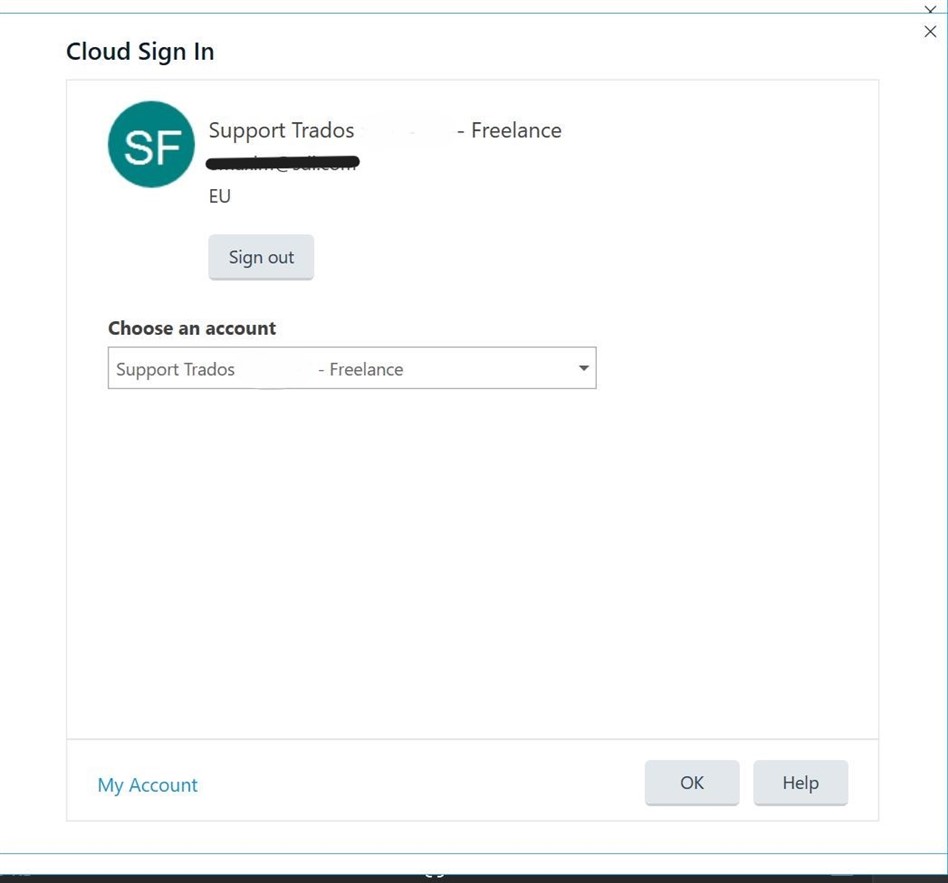
You should only need to do this once.
Should the login not complete automatically,
-click into the top right-hand corner and select the account (you will need your registered email address and password to login for the first time)
Once activated, you will see the following confirmation:
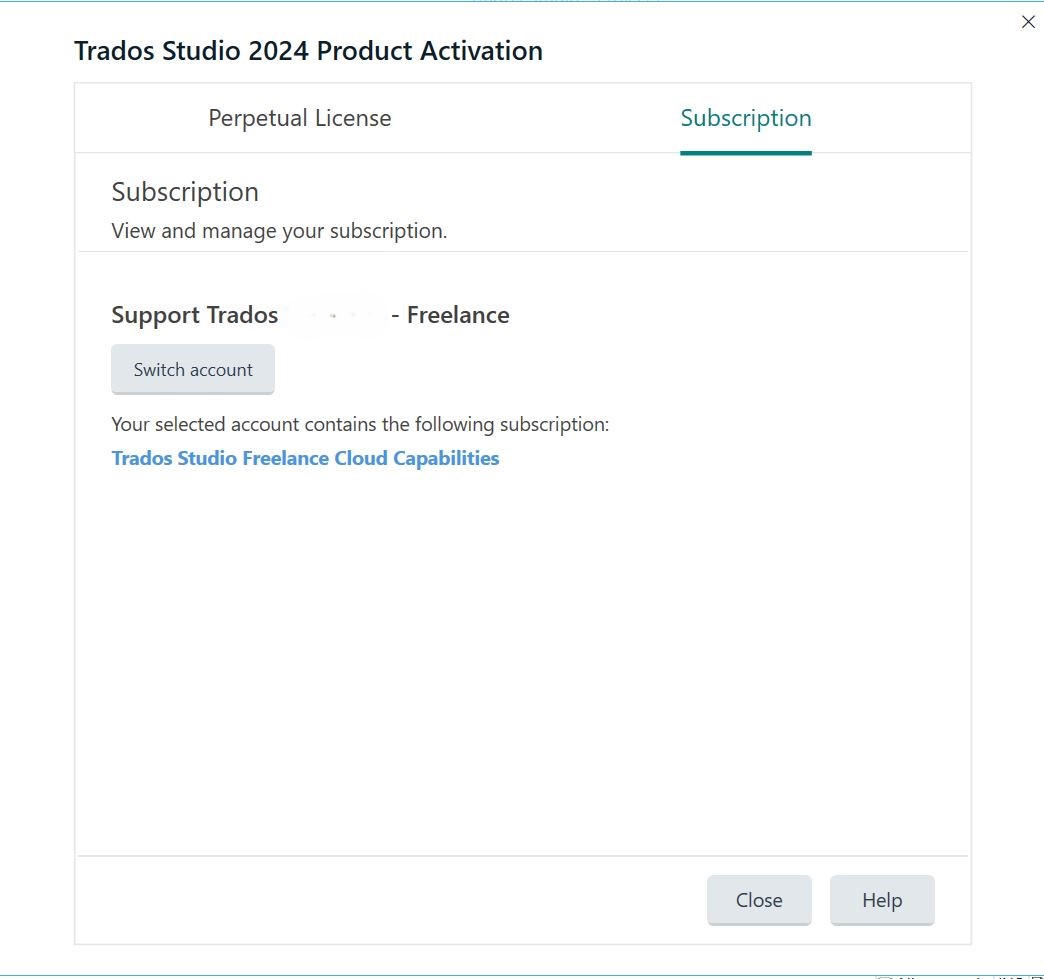
You're now logged in and activated the subscription, you can start using Trados.